


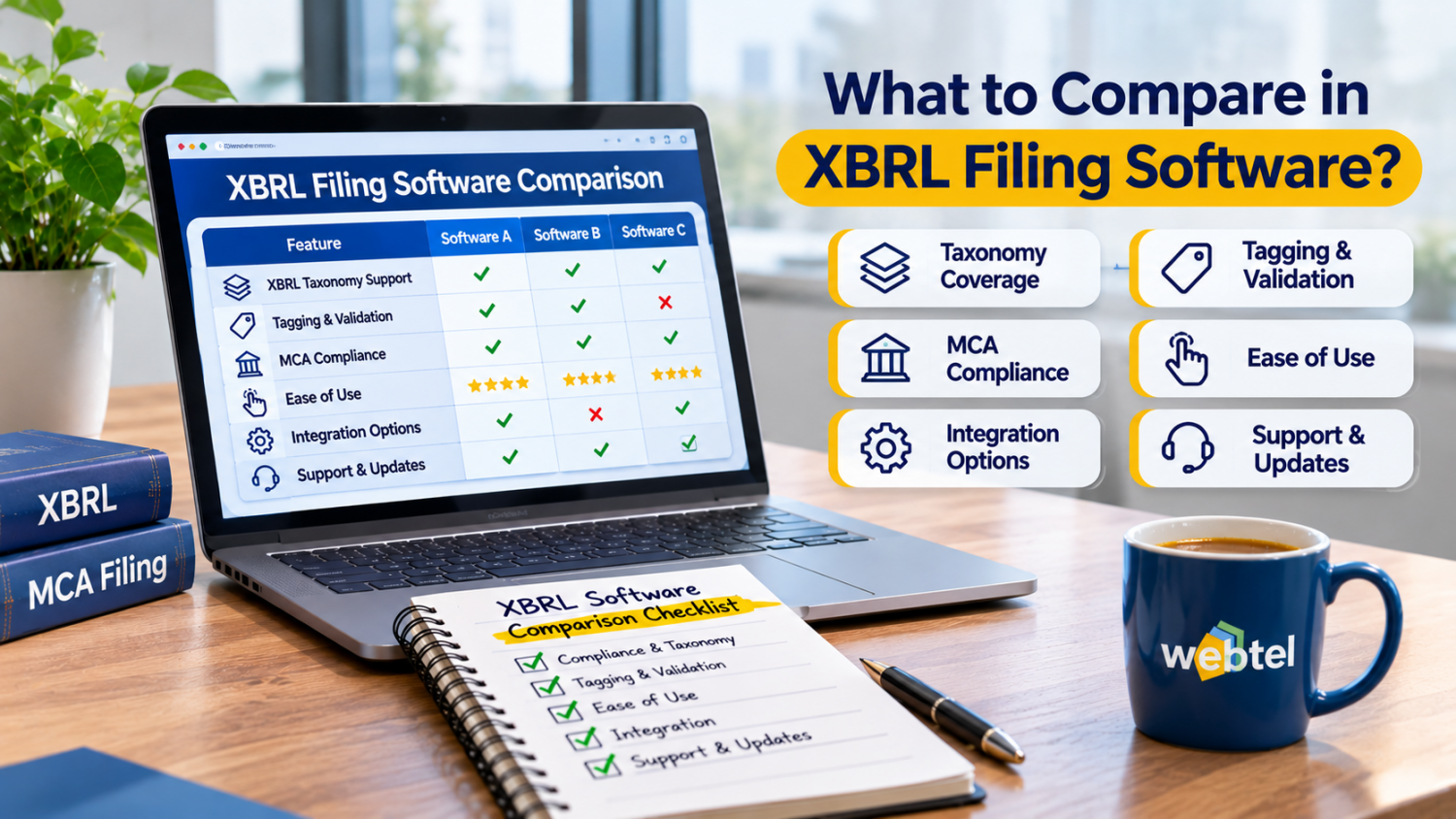
Preparing financial statements for XBRL filing involves more than converting figures into a digital format. Companies must map financial information to the appropriate taxonomy elements, maintain consistency across disclosures and check the generated instance document before submission. The software used for this work can affect how efficiently finance and compliance teams complete these tasks.
When evaluating different tools, businesses should look beyond the basic ability to generate an XBRL file. A useful XBRL software comparison should consider how each solution handles data import, taxonomy mapping, tagging, validation and document review. These functions determine whether the software can support the company's actual filing requirements.
The right XBRL filing software should make the preparation process easier to manage while giving users enough control to review financial information before submission. Comparing features against your reporting requirements is a more practical approach than choosing a product based only on its price or list of features.
1. Check the Taxonomy Mapping and Tagging Process
Taxonomy mapping is one of the first areas to examine when comparing XBRL filing software. XBRL uses standardised taxonomy elements to represent financial information. The software should help users connect the figures and disclosures in their financial statements with the relevant elements.
During evaluation, consider how the software handles:
-
Mapping financial statement line items to taxonomy elements.
-
Selecting appropriate tags for different disclosures.
-
Tagging notes and supporting information.
-
Handling text-block disclosures.
-
Reviewing mapped data before generating the final document.
For example, a company may report different categories of expenses in its financial statements. The software should help the preparer identify the appropriate taxonomy elements rather than treating every expense as a generic figure.
Also check how easily users can review and correct mappings. A tool that allows users to inspect tagged information can make the process easier to manage, particularly when financial statements contain detailed disclosures.
2. Compare Data Import and Export Options
Finance teams often maintain financial information in spreadsheets, accounting systems and document files. Entering the same information manually into XBRL software can increase preparation time and create opportunities for data-entry errors.
Compare the import options available in each product. Check whether users can bring financial data from Excel or use other supported formats. If the company regularly prepares reports in Word, find out whether the software supports importing information from those documents.
Export options also deserve attention. Users may need to review the generated instance document or share supporting information with other members of the compliance team.
Consider these questions during a software demonstration:
-
Can financial data be imported from Excel?
-
Does the software support importing relevant report information from Word?
-
Can users review the generated XBRL instance document?
-
Are there options to view or print the converted report?
-
Can previous-year information be reused where supported?
The aim is to reduce repetitive work without losing control over the accuracy of the information being transferred.
3. Evaluate Built-in Validation Features
Validation is another important factor in an XBRL software comparison. Even when financial data has been mapped correctly, the generated instance document may contain errors that need attention before filing.
Software with built-in validation utilities can help users identify issues during preparation. This allows the team to review reported information and address validation messages before moving towards submission.
However, it is important to understand what the validation feature actually checks. Ask whether the software performs taxonomy-related checks, identifies missing information and supports validation against the relevant filing requirements.
Do not assume that every product offers the same level of validation. Some tools may provide basic checks, while others may include additional utilities for reviewing the generated instance document.
A practical demonstration can help establish whether users can understand validation messages and make corrections without repeatedly rebuilding the entire document.
4. Look at Previous-Year Data Handling
Companies that prepare annual financial statements regularly may need to refer to information from earlier reporting periods. Re-entering all the relevant details every year can increase preparation time.
Check whether the software allows users to import or reuse previous-year data. Also examine how it handles changes in financial information between reporting periods.
For instance, a company may have updated its shareholding details, revised certain disclosures or changed the presentation of financial statement items. The software should allow the preparer to review these differences rather than assuming that earlier information remains unchanged.
Useful questions include:
-
Can previous-year financial data be imported?
-
Can users review changes between reporting periods?
-
Is company information carried forward where supported?
-
Can imported information be edited before finalisation?
Previous-year data handling can be particularly useful for companies with recurring annual filing requirements. However, carried-forward information should always be checked against the current reporting period.
5. Examine the User Interface and Review Facilities
The software's interface can affect how comfortably finance teams complete XBRL preparation. A tool may offer several technical features, but users should still be able to locate relevant information and understand the steps involved.
Pay attention to how the software displays financial data, taxonomy mappings and validation messages. An organised interface can make it easier to identify the information that needs attention.
Review facilities are equally important. Check whether users can view the converted report, inspect tagged information and print the document for internal review.
For example, a finance professional may want to compare the converted report with the approved financial statements before the filing team proceeds. A clear viewing facility can support this review.
It is also worth checking whether the software provides backup and restoration options. These can help teams manage working files and recover information when required.
6. Consider the Cost Alongside the Features
Price is an important part of software selection, but it should not be the only deciding factor. Two products may have different pricing structures and offer different levels of functionality.
Before comparing quotations, identify the features your organisation actually needs. A small company with straightforward financial statements may have different requirements from a business with multiple entities and detailed disclosures.
Consider the following factors:
-
Initial software cost and renewal charges.
-
Number of users supported.
-
Availability of required import and export options.
-
Taxonomy mapping and tagging facilities.
-
Built-in validation utilities.
-
Training and technical support.
-
Updates and maintenance.
A lower-priced product may require additional manual work if it lacks certain features. On the other hand, paying for advanced functions that the team does not use may not offer much value.
Compare the total cost with the time, resources and review effort involved in preparing XBRL filings.
7. Check Whether Outsourcing Is Also a Practical Option
Not every company needs to manage the entire XBRL filing process internally. Some businesses may have the software and an experienced team, while others may prefer external assistance for specialised tagging, conversion and validation work.
This is where comparing software with an outsourcing arrangement becomes useful. Software gives the organisation tools to manage the process, whereas an outsourcing service involves assigning agreed filing activities to an external provider.
Before making a decision, consider the number of filings, internal expertise, reporting complexity and available time.
For companies that need external support, an XBRL outsourcing service can be considered as an alternative or a complement to internal software use. The scope of work should be clearly defined, including document preparation, tagging, conversion and review responsibilities.
The choice depends on how much control the organisation wants to retain internally and whether it has the people and time to manage the filing process.
8. Use a Comparison Table Before Making the Final Decision
After reviewing product demonstrations and available documentation, prepare a comparison based on the requirements of your organisation. This makes it easier to identify which product offers the most relevant capabilities.
| Taxonomy mapping | Availability of relevant taxonomy elements and mapping facilities |
| Data import | Support for Excel, Word and other required formats |
| Data export | Options to generate and review XBRL documents |
| Validation | Built-in checks and understandable validation messages |
| Previous-year data | Facilities to import and review earlier information |
| Review features | On-screen viewing and print options |
| Usability | Ease of navigation and correction |
| Support | Training, technical assistance and updates |
| Pricing | Total cost in relation to required features |
Do not select a product simply because it performs well in one category. A balanced evaluation should consider the complete filing process, from collecting financial information to reviewing the final instance document.
Conclusion
A useful XBRL software comparison should focus on how well each product supports the organisation's filing workflow. Taxonomy mapping, data import, validation, previous-year data handling and review facilities all deserve attention during the selection process.
Companies should also consider whether managing filings internally or using external support is more suitable for their resources and reporting requirements. Taking time to compare these factors can help finance and compliance teams choose an approach that fits their actual needs.


Comments (0)